


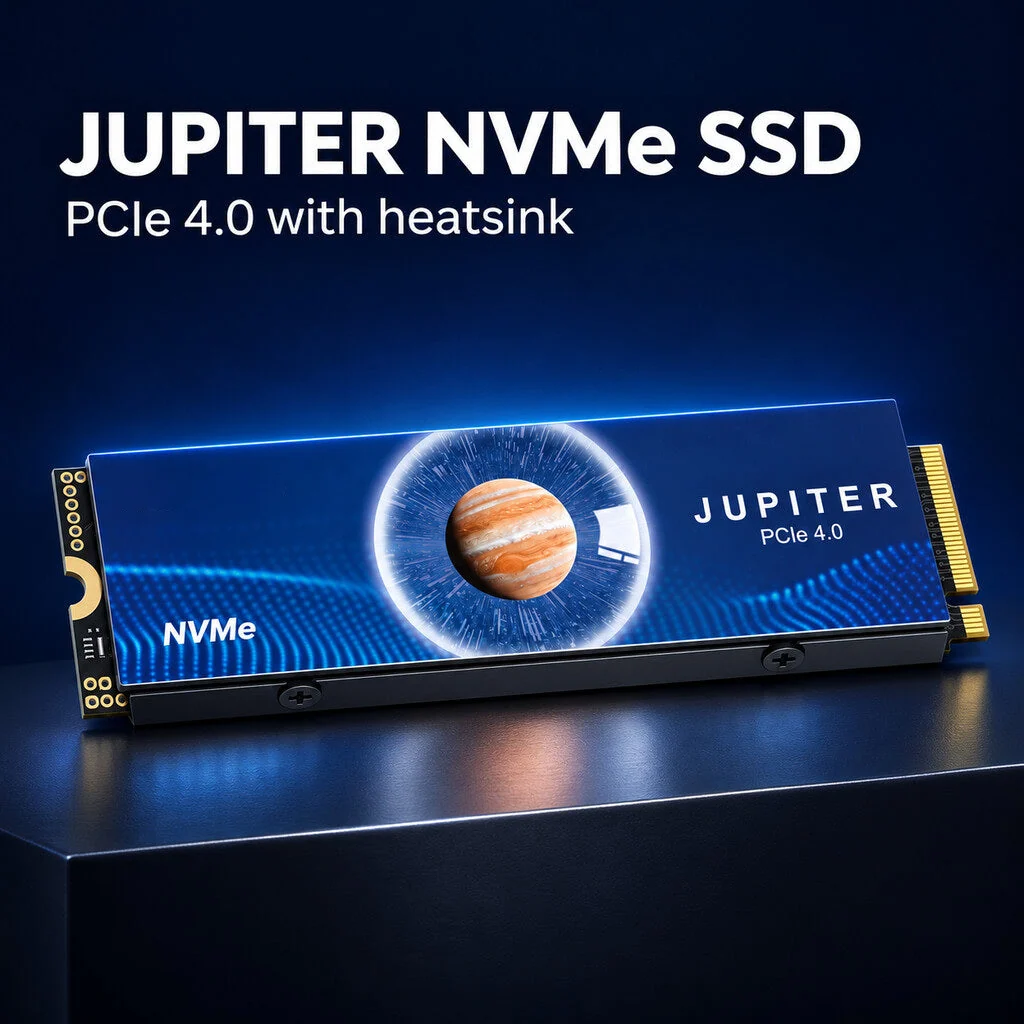
⚡ Jupiter PCIe 4.0 NVMe M.2 SSD with Heatsink.
⚡ Jupiter PCIe 4.0 NVMe M.2 SSD with Heatsink.
BUNDLE & SAVE
Couldn't load pickup availability
-
Ordered
- - -
Order Ready
- - -
Delivered

⚡ Jupiter PCIe 4.0 NVMe M.2 SSD with Heatsink.
JUPITER · NEXT-GEN STORAGE
Give Your Setup a Storage Upgrade.
PCIe 4.0 NVMe. M.2 Form Factor. Heatsink Design.
Meet the Jupiter PCIe 4.0 NVMe M.2 SSD with Heatsink. Built around modern NVMe storage technology and featuring a heatsink-equipped design, it's a storage solution for compatible desktop and computing setups.

MODERN STORAGE TECHNOLOGY
Built Around PCIe 4.0 NVMe Technology.
The Jupiter SSD combines the PCIe 4.0 interface with NVMe storage technology in an M.2 design. A modern storage option for compatible systems looking for a streamlined internal drive solution.
PCIe 4.0 Interface
Built around PCIe 4.0 technology for systems that support the corresponding storage interface.
NVMe Technology
Uses the NVMe storage protocol for a modern internal SSD configuration.
M.2 Design
An M.2 form factor designed for compatible M.2 NVMe storage slots.

HEATSINK-READY DESIGN
A Storage Drive With a Heatsink.
The Jupiter SSD comes with a heatsink as part of its design. This adds a dedicated thermal-management component to the drive, making heatsink clearance an important consideration when planning your installation.
❄️ Designed With a Heatsink
Check the available space around your motherboard's M.2 slot before installation to ensure the heatsink fits your system.
A compact internal storage format for systems equipped with a compatible M.2 NVMe connection.
Comes with a heatsink, so remember to check physical clearance before fitting the drive.
HOW TO GET STARTED
Check. Install. Get Your Storage Ready.
Before adding the Jupiter SSD to your setup, make sure your computer supports the required M.2 NVMe interface and has enough room for the heatsink.
01. Check Compatibility
Confirm your motherboard or device supports an M.2 PCIe NVMe SSD.
02. Check Clearance
Make sure the M.2 slot has sufficient space for the heatsink-equipped drive.
03. Follow Installation
Install according to your motherboard or device manufacturer's instructions.
Important Compatibility Reminder
Not every M.2 slot supports NVMe or PCIe 4.0. Check your device specifications before purchasing.
MADE FOR COMPATIBLE SYSTEMS
A Storage Option for Your Computing Setup.
Whether you're planning a desktop storage upgrade or configuring a compatible computer build, the Jupiter M.2 NVMe SSD offers a modern internal storage format with a heatsink-equipped design.
PRODUCT DETAILS
Product Specifications
Please refer to the product listing or selected variant for additional specifications such as storage capacity, dimensions and rated read/write speeds.
GOOD TO KNOW
Frequently Asked Questions
What type of SSD is the Jupiter drive?
It is an M.2 solid state drive featuring PCIe 4.0 and NVMe storage technology.
Does this SSD come with a heatsink?
Yes. The product is listed as a Jupiter PCIe 4.0 NVMe M.2 SSD with Heatsink.
Will it work with every M.2 slot?
Not necessarily. Your device must support M.2 NVMe storage and the corresponding PCIe interface. Check your motherboard or device specifications before ordering.
What should I check before installation?
Check M.2 NVMe compatibility and ensure there is sufficient physical clearance for the heatsink.
What is the storage capacity and speed?
These specifications are not included in the supplied product description. Please check the selected product variant or the seller's detailed specifications.
SHOP WITH CONFIDENCE
Know What You're Adding to Your Setup.
Choosing the right storage starts with understanding your device's requirements. Review the key details and confirm compatibility before ordering.
Key interface and protocol details clearly identified.
A heatsink-equipped SSD design for compatible installations.
Check your M.2 slot and physical clearance before purchasing.
⚡ Make Your Next Storage Upgrade Count.
Discover the Jupiter PCIe 4.0 NVMe M.2 SSD with Heatsink. A modern storage solution for your compatible computing setup.


